
DSM Client in Android and SMB
DSM Client (Android App)
- Runs as an Android application and connects to the SMB via UART or USB, depending on the Android version.
- Can be found in the application list or on the Android desktop.
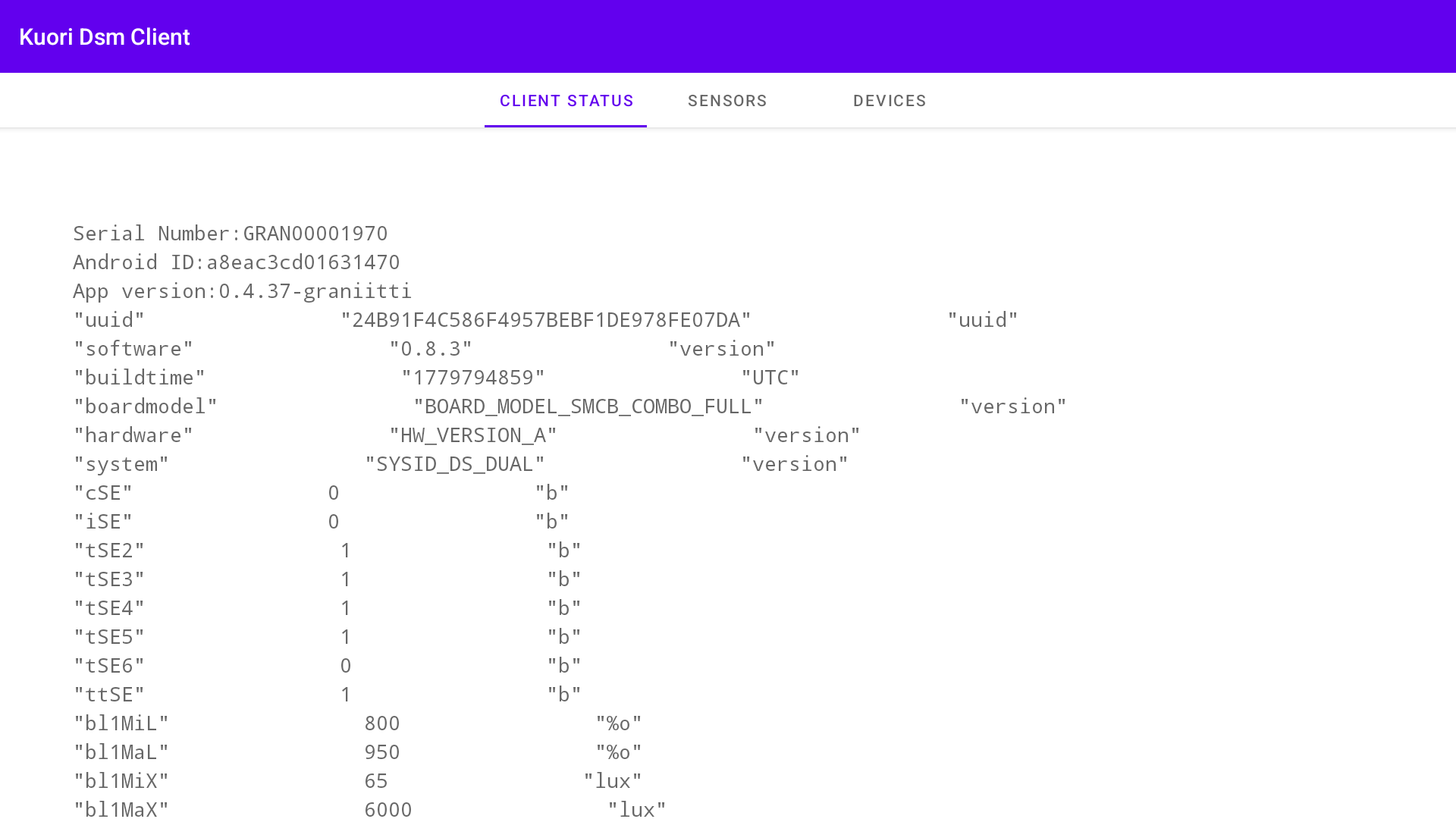
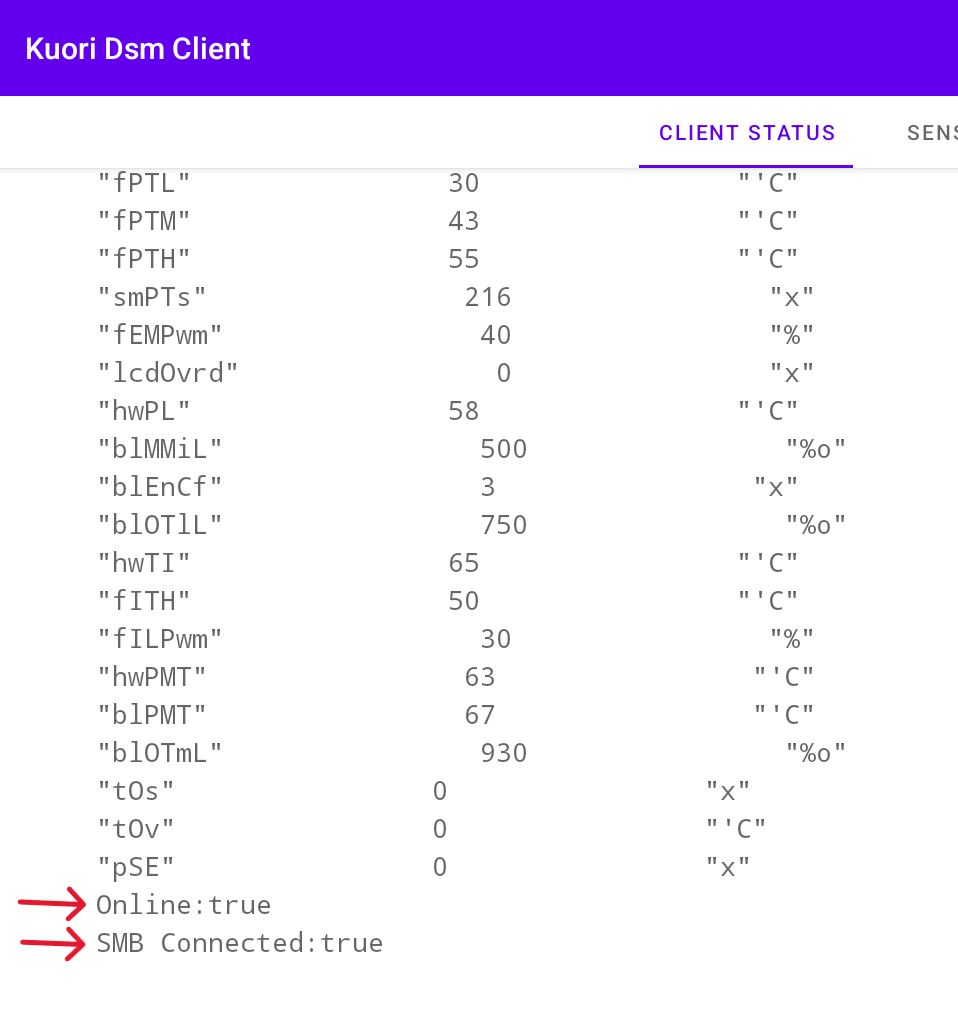
- The UI is minimal, showing only status, sensors, and devices as read from the SMB. Scrolling down on the first page reveals the online status and SMB connection status at the bottom.
Kuori DSM Communication Overview
Kuori DSM communicates with devices through a DSM client, which must be installed for DSM to function. The DSM client is an Android application that acts as the communication bridge between the DSM server and the System Management Board (SMB). It collects device data, retrieves status information from the SMB, and securely transmits this information to the DSM.
By default, the client sends a report to the DSM every five minutes, and the DSM pings the client every ten seconds. The DSM client also receives commands from the DSM and forwards them to the SMB or other system components as needed, enabling centralized monitoring, configuration, and remote control of both the display and its connected hardware.
Connection type by Android version:
- Android 11 — connects to the SMB via USB
- Android 13 — connects to the SMB via UART
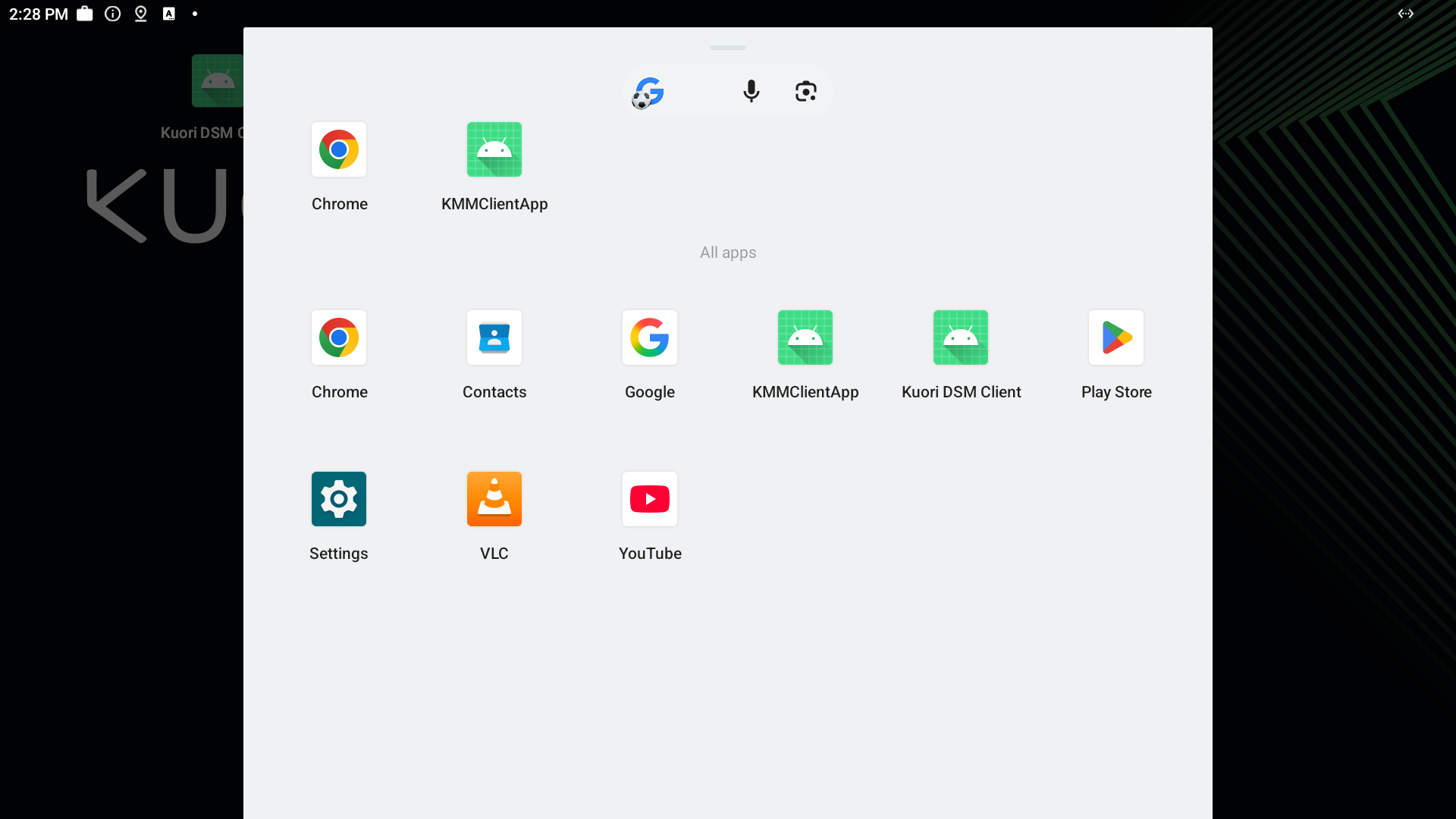
The app can be found from android apps, and the UI shows data from latest collection from SMB.
It also shows online status and SMB connection status at the bottom when scrolling
SMB (System Management Board)
System management is handled by the System Management Board (SMB), a microcontroller board connected to all sensors and control systems within the display. The SMB interfaces directly with hardware components and includes configurable relays that can be triggered to power-cycle connected equipment, allowing remote rebooting of external components such as media players, modems, and other peripherals. If a device has an SMB connected, its status can be monitored through the DSM.
The SMB is a circuit board with its own programmable processor, whose firmware—owned and developed by Kuori Oy—can be updated remotely from the DSM by Kuori.
The SMB independently handles all temperature and backlight control. It communicates via serial connection — either UART or USB (serial over USB) — using the Kuori SMB protocol, allowing sensor values, events, and controller states to be read. This data is uploaded to the DSM and can be controlled via the DSM client through the DSM service. The SMB also has 5 relays that can be triggered from the DSM.