
Light and Dark Mode
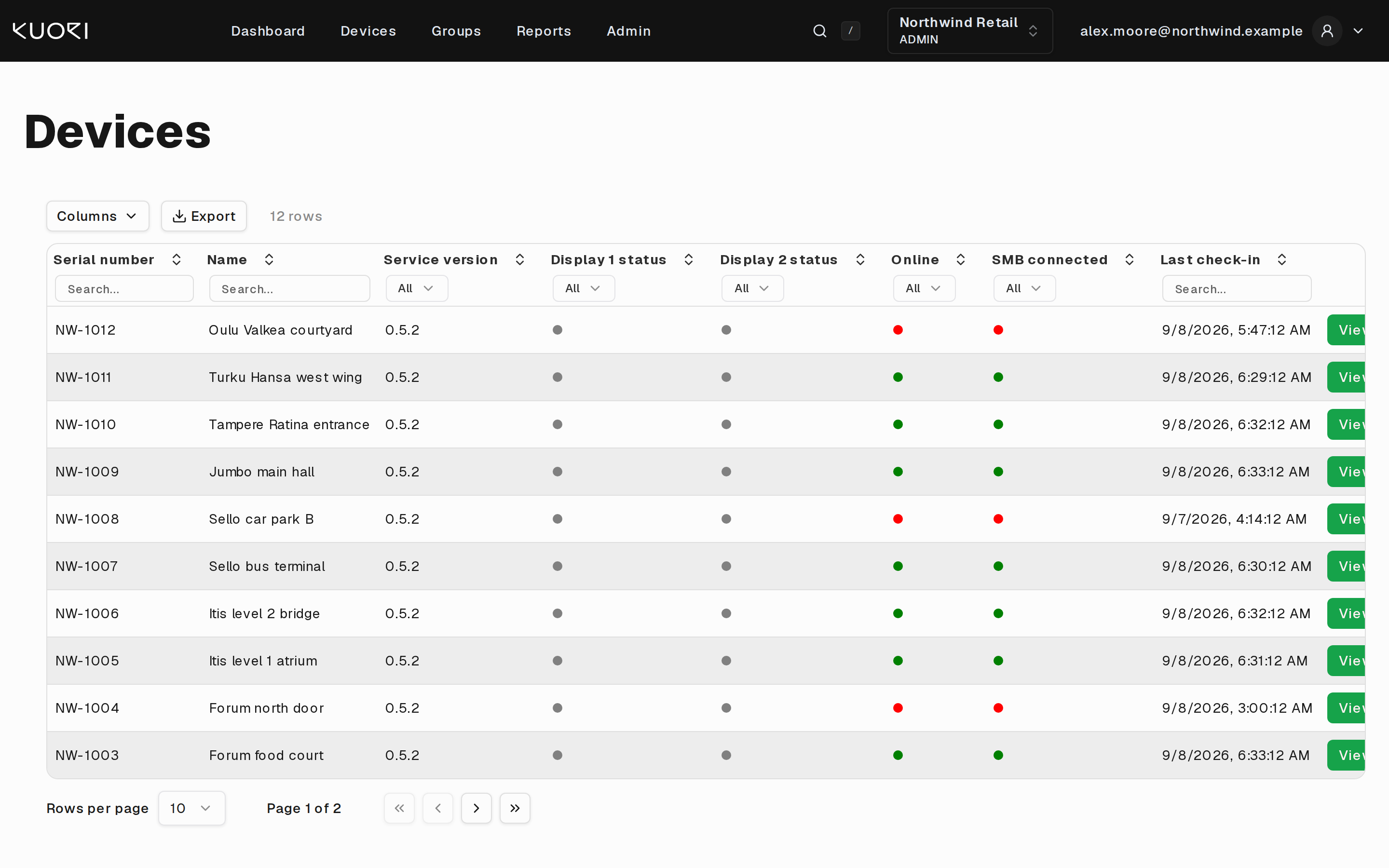
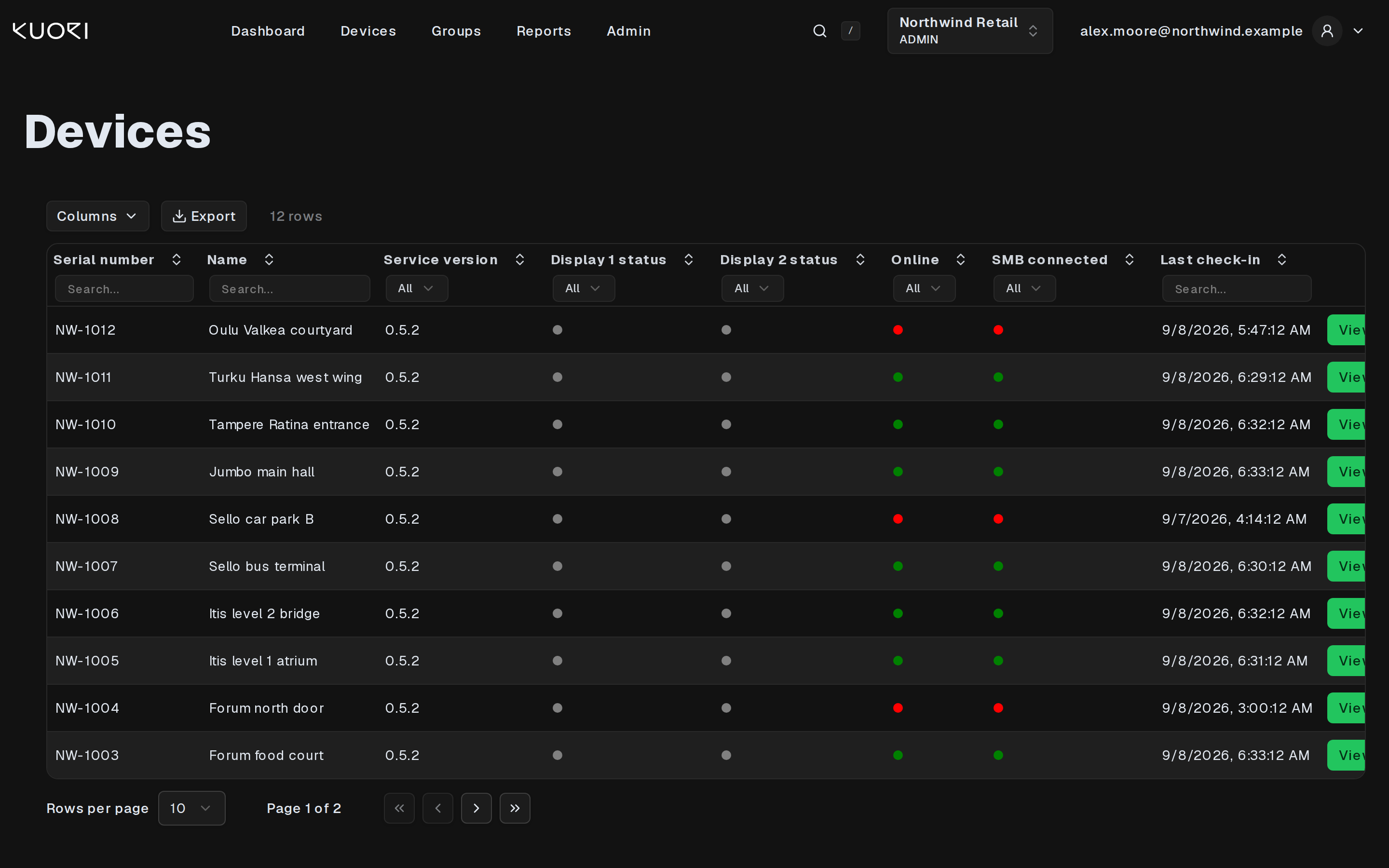
DSM ships both a light and a dark theme. The top bar stays dark in both, so the difference shows in the page below it.
Switching
Open the account menu at the top right and use the Dark mode switch. The change applies at once and DSM remembers it in that browser.
Following the operating system
Until you touch the switch, DSM follows your operating system. Set your machine to dark and DSM opens dark. DSM also reacts while it is open, so a machine that switches to dark at sunset takes DSM with it.
Once you have set the switch yourself, that choice is what DSM opens with.
Where the setting lives
The theme is stored in the browser, not on your account. A different browser or a different machine starts from the operating-system setting again, and clearing site data resets it.
The chart and status colours carry the same meaning in both themes. Green is healthy, red is a problem, grey is unknown.